
Télécharger Vidéo Facebook en MP4 HD
Collez le lien d’une vidéo Facebook publique — un Reel, un clip Watch ou une simple publication — et récupérez-la en MP4 HD. Ce Facebook video downloader fonctionne directement dans le navigateur : aucune inscription, aucune connexion à Facebook, aucune application à installer. Le guide ci-dessous explique où le fichier est enregistré sur Android, sur iPhone et sur ordinateur, et ce que vous avez le droit de télécharger.
Vous enregistrez une vidéo pour en étudier le format ? Transformez ce format en vidéo bien à vous : script, voix off, sous-titres et visuels, sans jamais passer devant la caméra.
Créez votre propre vidéo avec l’IAQu’est-ce qu’un Facebook video downloader ?
Un Facebook video downloader — un outil pour télécharger une vidéo Facebook — prend le lien d’une vidéo publique, qu’il s’agisse d’un Reel, d’un clip Watch ou d’une publication ordinaire, et l’enregistre sur votre appareil au format MP4. Facebook n’offre aucun bouton de téléchargement pour les vidéos des autres : l’application vous laisse seulement les ranger dans votre propre collection, ce qui les garde enfermées dans l’app et inaccessibles hors connexion. C’est précisément ce manque qui explique l’existence de ces outils. Les personnes qui cherchent à télécharger une vidéo Facebook veulent presque toujours l’une de ces trois choses : une copie hors connexion à regarder sans consommer de données mobiles, un clip de référence pour leur banque d’idées, ou leur propre publication récupérée en pleine résolution après la compression de Facebook.
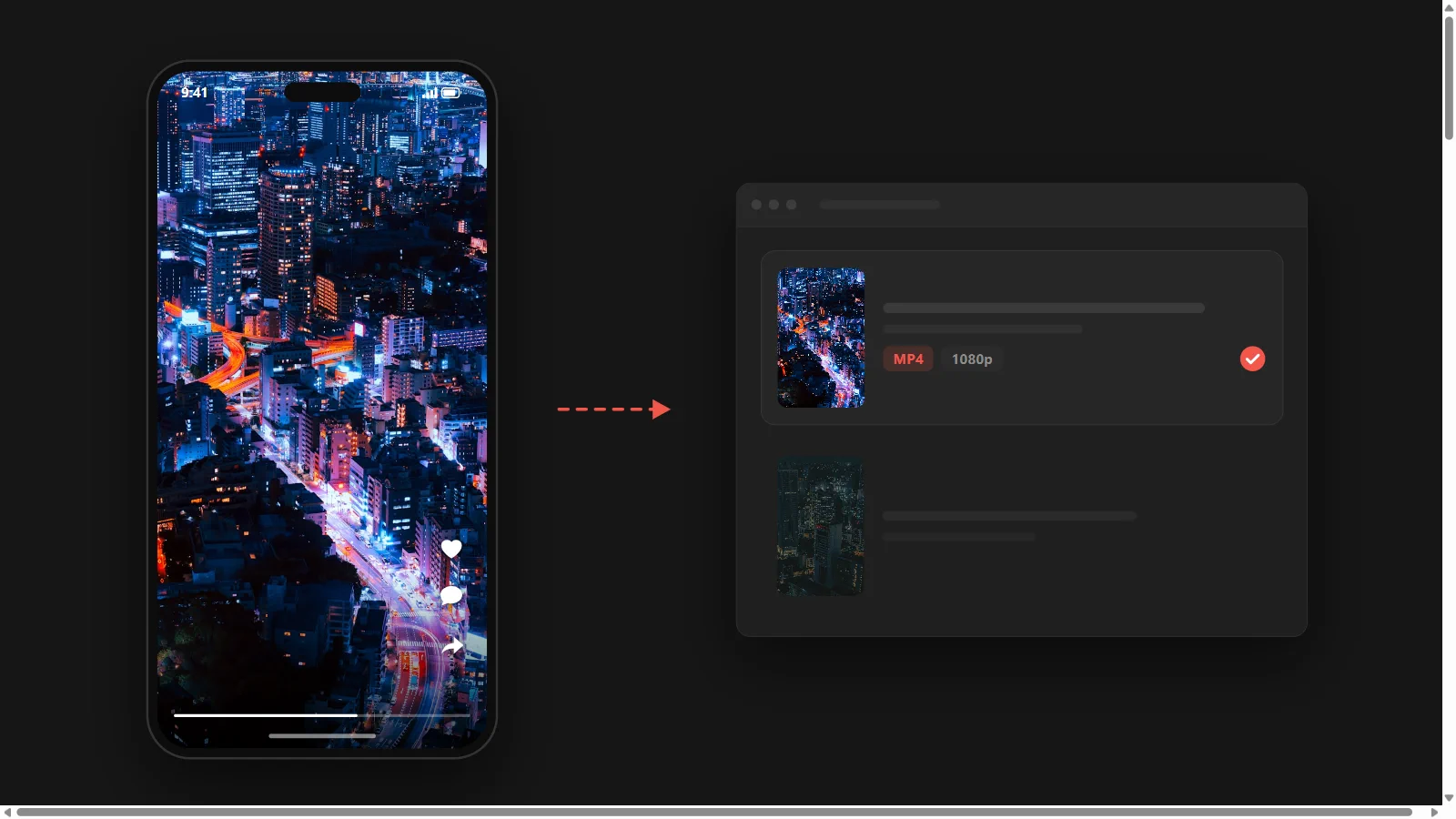
Le reproche qui revient le plus souvent à propos de ces sites n’est pas la qualité : c’est qu’ils sont saturés de publicités, qu’ils s’interrompent en cours de téléchargement, ou qu’ils ne reconnaissent tout simplement pas le lien. Celui-ci n’affiche aucune publicité et n’en affichera pas, parce que Faceless Reels est un studio de vidéo faceless par IA et ne vit pas des téléchargements. Cette page existe parce que les créateurs nous demandaient sans cesse comment sortir une vidéo de Facebook pour en étudier l’accroche et le rythme. L’outil ci-dessus est gratuit, ne demande aucun compte et ne consomme aucun crédit — et une fois le format compris, le même espace de travail le transforme en votre propre vidéo faceless.
Comment télécharger une vidéo Facebook
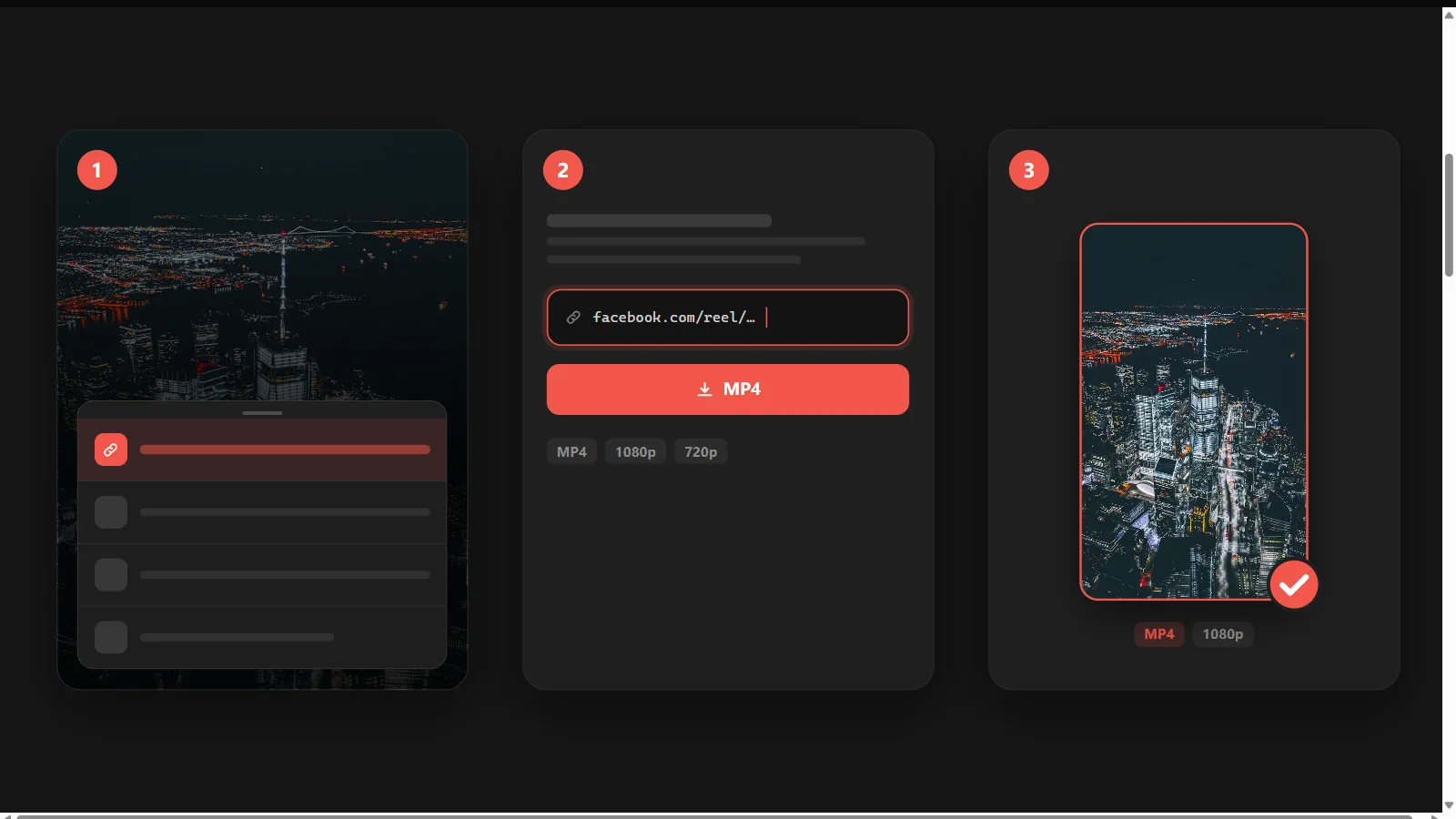
Télécharger une vidéo Facebook prend trois étapes, et la marche à suivre est la même sur Android, sur iPhone et sur ordinateur, que le lien pointe vers un Reel, un clip Watch ou une publication.
- 1
Copier le lien de la vidéo
Ouvrez la vidéo dans l’application Facebook ou sur facebook.com. Appuyez sur l’icône de partage, puis sur Copier le lien. Sur ordinateur, copiez l’URL depuis la barre d’adresse. Ce lien suffit à l’outil : vous ne lui donnez jamais accès à votre compte.
- 2
Coller le lien dans le champ
Collez l’URL dans le champ ci-dessus et validez. L’outil lit la vidéo publiquement accessible derrière ce lien et renvoie les options de téléchargement qu’il trouve, en général une ou plusieurs résolutions, plus une piste audio seule.
- 3
Choisir la résolution et enregistrer le MP4
Prenez la résolution la plus élevée proposée : c’est là que la qualité se gagne ou se perd. Enregistrez le fichier, puis vérifiez qu’il est bien arrivé là où vous l’attendiez. Si le résultat paraît plus flou que dans l’application, c’est que l’outil a ré-encodé la vidéo, et un autre vous donnera un fichier plus propre.
Ce qu’il faut regarder avant de télécharger une vidéo Facebook
Presque tous les sites promettent la même liste de fonctionnalités, si bien que les différences qui comptent vraiment passent inaperçues. Voici les six qui changent le fichier que vous obtenez à la fin.
Une vraie qualité source, pas un ré-encodage
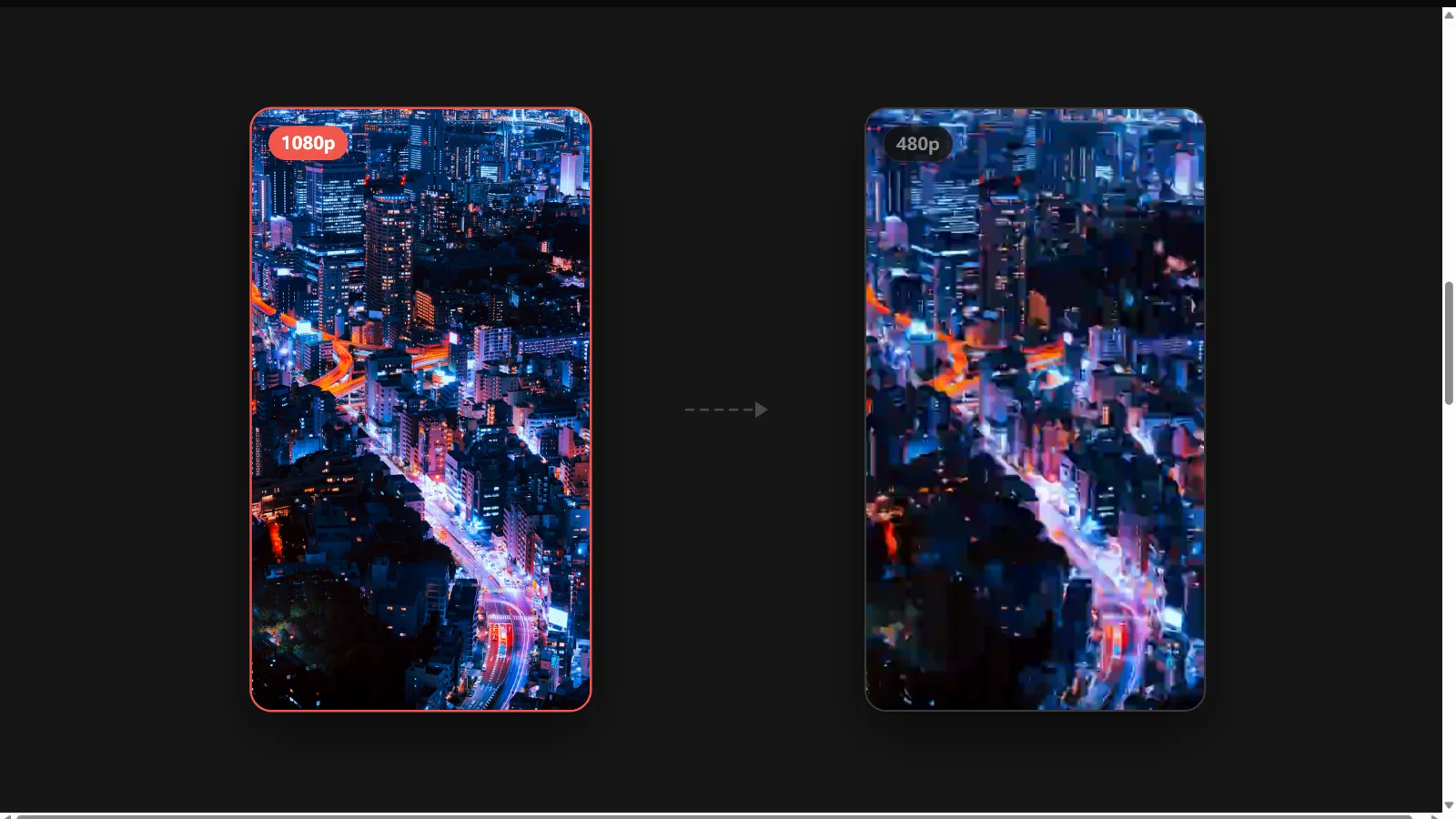
C’est la plus grande différence entre les outils, et le reproche qui revient le plus souvent. Un service faible ré-encode la vidéo sur son propre serveur : les détails s’estompent et des artefacts de compression apparaissent. Un bon outil vous rend la version que Facebook stocke déjà. Posez une seule question à n’importe quel fb video downloader : ce fichier a-t-il le même débit que celui servi par Facebook, ou s’agit-il d’une copie de deuxième génération ?
Aucun filigrane ajouté par l’outil
Un outil propre ne pose pas son propre logo sur votre fichier — c’est tout ce que cette promesse recouvre, et il faut le dire clairement. Aucun service ne peut retirer un filigrane que le créateur a incrusté avant la mise en ligne : celui-là fait partie des pixels, et le seul moyen de le faire disparaître serait de recadrer ou de dégrader l’image.
Tout se passe en ligne, sans rien installer
Le Play Store déborde d’applications de téléchargement qui réclament l’accès aux contacts, au stockage et à l’exécution en arrière-plan pour ce qui n’est en réalité qu’une seule requête réseau. Télécharger une vidéo Facebook en ligne depuis le navigateur ne demande rien de tout cela, et fonctionne aussi bien sur Android que sur iPhone ou sur ordinateur. Si un outil exige une installation avant de vous laisser télécharger, prenez-le comme un signal.
Jamais de connexion à votre compte Facebook
Ne confiez jamais votre mot de passe Facebook à un service de téléchargement tiers. Un outil qui réclame vos identifiants peut agir en votre nom, alors que tout service sérieux se contente d’un lien public. Télécharger une vidéo publique ne demande aucune authentification : un formulaire de connexion est donc un signal d’alarme, pas une fonctionnalité.
L’audio récupérable à part
Quand on étudie une tendance, on ne veut souvent que le son. Pouvoir extraire l’audio d’une vidéo Facebook en MP3 ou en M4A à côté du MP4 évite un aller-retour par un convertisseur séparé lorsqu’une simple piste de référence suffit — et c’est ce qui distingue un outil complet d’un service qui ne rend que le fichier vidéo.
Une extension de navigateur pour un usage quotidien
Si vous enregistrez des clips tous les jours, une extension Chrome supprime l’étape du copier-coller en ajoutant un bouton de téléchargement directement sur la vidéo. C’est une couche de confort, pas une capacité différente : utile quand le volume augmente, inutile pour un enregistrement occasionnel.
Où va la vidéo téléchargée, et comment l’ajouter à votre galerie ?
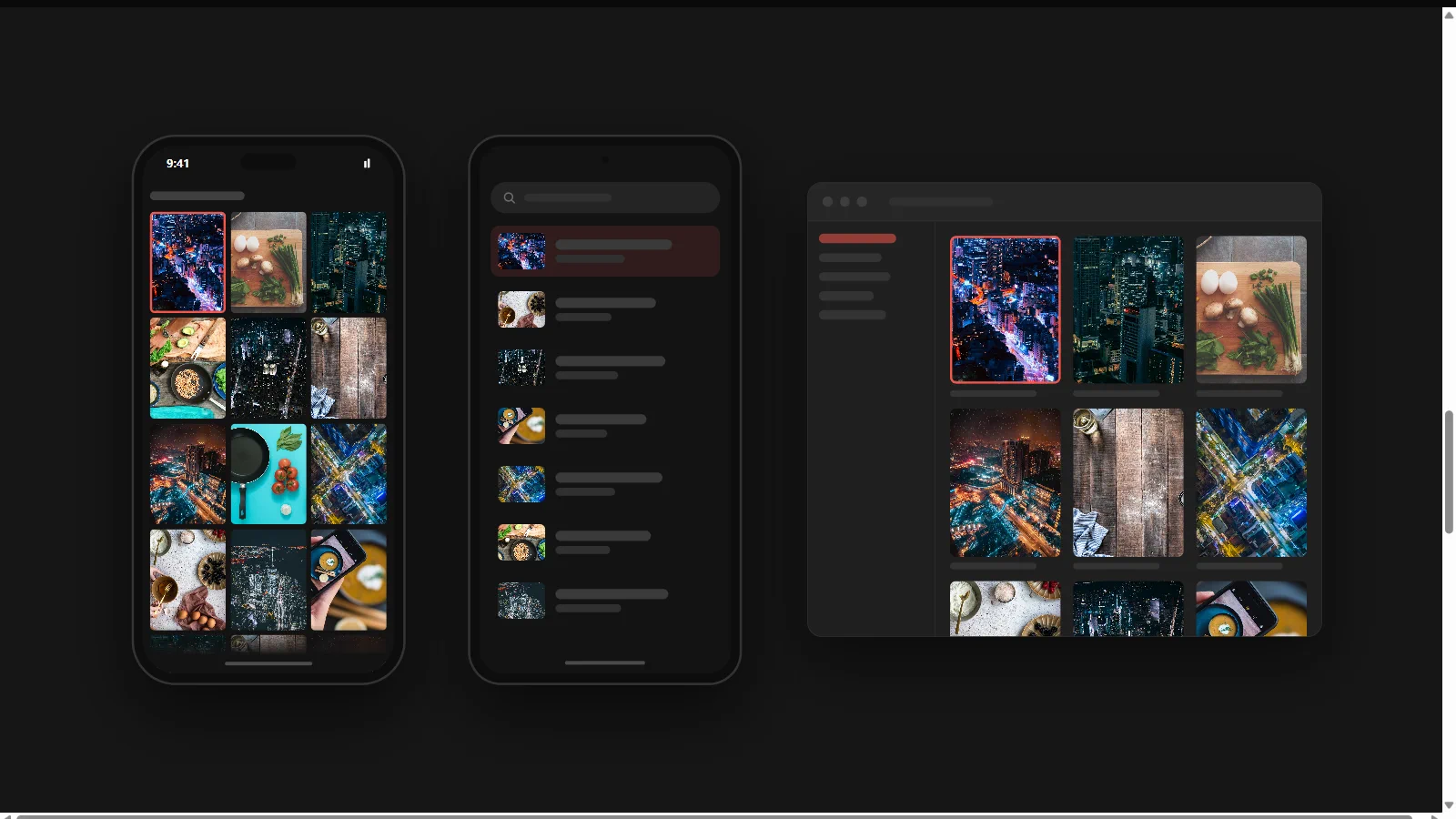
C’est la question la plus fréquente après avoir téléchargé une vidéo Facebook sur un téléphone, et presque aucun site n’y répond. Le fichier atterrit dans le dossier de téléchargement habituel de l’appareil, et si vous le vouliez dans la galerie, une étape supplémentaire s’ajoute, différente selon la plateforme.
iPhone et iPad
Safari enregistre le MP4 dans l’application Fichiers, sous Sur mon iPhone › Téléchargements. Il n’apparaît pas automatiquement dans Photos : ouvrez le fichier dans Fichiers, appuyez sur Partager, puis sur Enregistrer la vidéo pour le déplacer dans votre pellicule.
Android
Chrome enregistre dans le dossier Download, accessible depuis l’application Fichiers ou Mes fichiers. La plupart des galeries indexent ce dossier en moins d’une minute : la vidéo s’affiche donc généralement toute seule dans votre galerie, sans rien faire de plus.
Windows et macOS
Le fichier va dans le dossier Téléchargements de votre navigateur. Ouvrez la liste des téléchargements (Ctrl+J sous Windows, Maj+Cmd+J dans Chrome sur macOS) pour y accéder directement.
Bon à savoir : Facebook ne prévient pas le créateur lorsqu’une de ses vidéos est téléchargée, et ne lui montre aucune liste des personnes qui l’ont fait. Enregistrer une vidéo publique reste invisible pour celui qui l’a publiée — mais c’est un constat sur la plateforme, pas une autorisation de la republier.
Ce que vous pouvez télécharger légalement
Un outil de téléchargement est neutre, et un même téléchargement peut être parfaitement acceptable ou devenir un vrai problème selon ce que vous en faites ensuite. Savoir où passe la limite vous protège mieux que n’importe quelle liste de fonctionnalités.
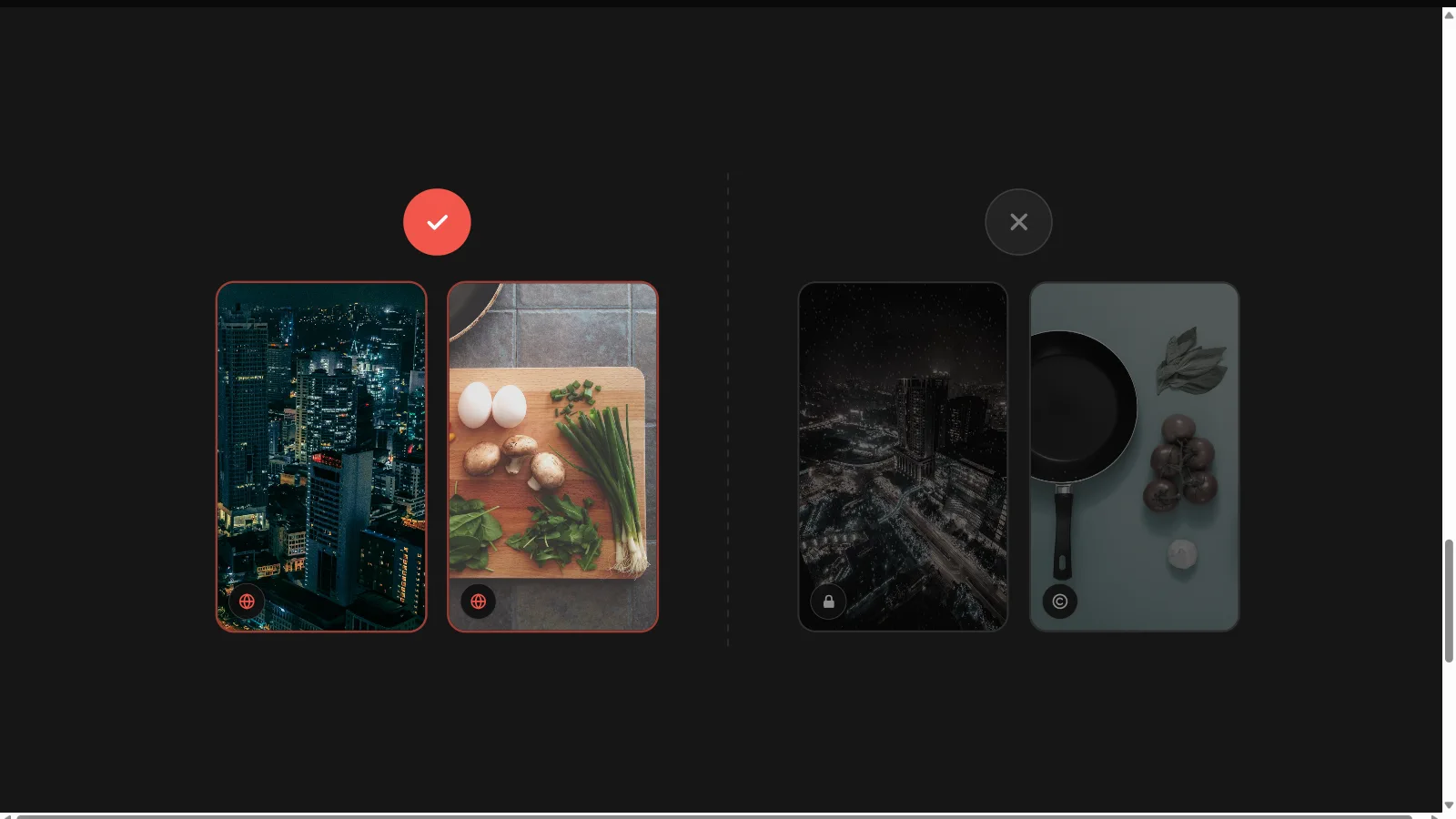
En général, c’est acceptable
- Vos propres vidéos et vos Reels. Télécharger un contenu que vous avez créé et publié est le cas le moins ambigu, et c’est la première raison pour laquelle les créateurs se tournent vers ce genre d’outil : récupérer un master propre après la compression de la mise en ligne.
- Des vidéos publiques, conservées pour un usage personnel. Enregistrer un clip public pour en étudier l’accroche, le rythme, les sous-titres ou le montage relève de la recherche créative ordinaire, au même titre qu’un simple favori.
- Un contenu dont vous avez l’autorisation explicite de réutilisation, ou que le créateur a lui-même libéré pour la réutilisation.
À ne pas faire
- Ne téléchargez pas de vidéos privées ni de contenus issus de comptes que vous ne pouvez pas consulter publiquement. Tout outil qui met cela en avant contourne des contrôles d’accès, et c’est la seule fonctionnalité que nous ne développerons pas.
- Ne republiez pas la vidéo de quelqu’un d’autre comme si elle était la vôtre. Remettre en ligne le travail d’un autre créateur sans autorisation ni crédit constitue une atteinte au droit d’auteur, et le compte sera sanctionné quel que soit l’outil qui a produit le fichier.
- N’exploitez pas commercialement des images téléchargées sans avoir réglé les droits sur la vidéo, sur la musique et sur les personnes qui y apparaissent.
Les conditions d’utilisation de Facebook encadrent l’accès automatisé, et leur application évolue avec le temps. Considérez tout outil de téléchargement comme un service de confort qui peut cesser de fonctionner sans préavis, et considérez que le droit d’auteur sur ce que vous téléchargez appartient au créateur, aussi simple qu’ait été l’enregistrement.
Des vidéos enregistrées à votre propre chaîne faceless
La plupart de ceux qui téléchargent des vidéos Facebook en quantité étudient un format qu’ils comptent reproduire. Une banque de clips vous montre quelles accroches retiennent l’attention dans les deux premières secondes, comment les sous-titres sont rythmés, et combien de temps dure une scène avant la coupe. Cette recherche est utile — mais un dossier rempli des vidéos des autres ne fait pas une chaîne.
C’est là que Faceless Reels prend le relais. Une fois le format compris, nos outils vidéo par IA transforment un sujet ou un script en vidéo verticale terminée — narration, voix off, visuels de scène, sous-titres et musique — prête pour Facebook Reels, YouTube Shorts ou TikTok. Vous passez de l’étude d’un format à la publication dans ce format, sans apparaître à l’écran et sans remettre en ligne le travail de quiconque.
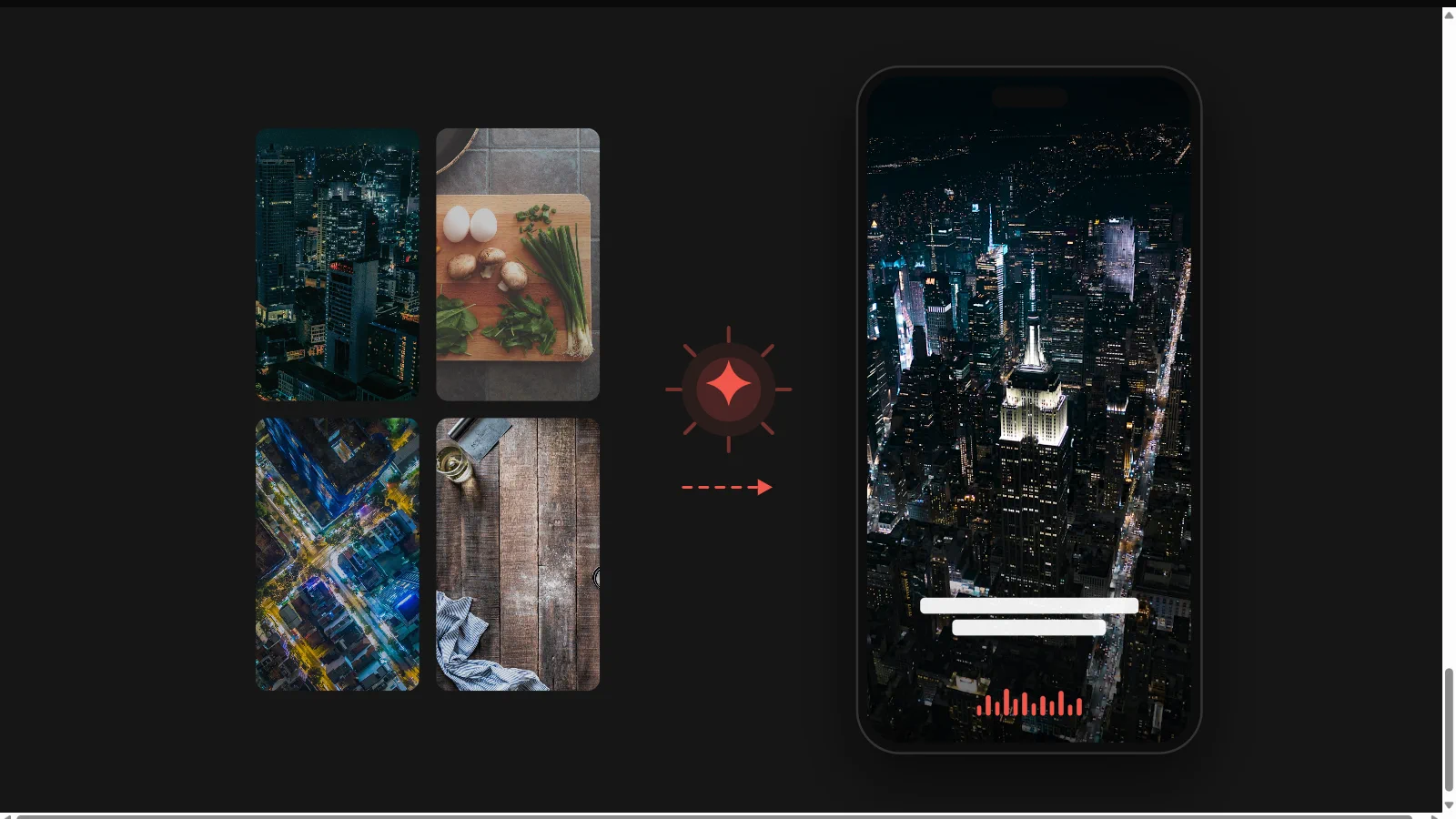
- Brainrot MOV pour des clips rapides à forte rétention, au rythme des mèmes et aux sous-titres incrustés.
- Storytelling pour les Reels narratifs : histoires effrayantes, récits historiques et faits marquants.
- Doodle Explainer et Stickman Animation pour les formats explicatifs qui retiennent l’attention sans banque de vidéos.
- AI Script Writer quand vous tenez le format mais pas encore l’accroche.
Télécharger une vidéo Facebook : questions fréquentes
Les questions que les créateurs se posent vraiment sur le téléchargement des vidéos Facebook, y compris celles que presque aucun site de téléchargement ne traite.
Le Facebook video downloader de Faceless Reels est-il gratuit ?
Oui, et sans inscription. Collez le lien d’une vidéo Facebook publique en haut de cette page — un Reel, un clip Watch ou une publication — et l’outil vous renvoie un lien direct vers le MP4 en HD. Tout se passe dans le navigateur : aucune connexion à Facebook, aucune application à installer, aucun crédit consommé, et aucun filigrane ajouté de notre côté. Le fichier vient directement du CDN de Facebook — nous n’en gardons jamais de copie.
Peut-on télécharger une vidéo Facebook en HD ou en qualité d’origine ?
Vous obtenez la meilleure version stockée par Facebook, qui n’est pas le fichier envoyé par le créateur. Facebook ré-encode chaque mise en ligne : l’original intact n’existe donc plus que sur l’appareil de celui qui l’a tournée. Un bon outil vous rend cette version HD sans y toucher ; un service faible la ré-encode une seconde fois et vous remet une copie visiblement plus molle. Et si la vidéo a été publiée en 720p, aucun téléchargement ne la fera passer en 1080p.
Facebook prévient-il le créateur que j’ai téléchargé sa vidéo ?
Non. Facebook n’envoie aucune notification et ne montre aux créateurs aucune liste des personnes ayant téléchargé une vidéo ou un Reel. Enregistrer un clip public reste invisible pour celui qui l’a publié. Cela dit, invisible ne veut pas dire autorisé : ce que vous faites ensuite du fichier reste soumis au droit d’auteur.
Comment télécharger une vidéo Facebook sur Android ?
Exactement comme sur ordinateur, et sans installer la moindre application. Dans l’application Facebook, appuyez sur l’icône de partage de la vidéo ou sur les trois points, choisissez Copier le lien, revenez sur cette page dans Chrome, collez l’URL et validez. Le MP4 atterrit dans le dossier Download, et la plupart des galeries Android l’indexent en moins d’une minute : la vidéo apparaît alors d’elle-même dans votre galerie. Sur iPhone, la marche à suivre est la même, mais le fichier reste dans l’app Fichiers jusqu’à ce que vous fassiez Partager › Enregistrer la vidéo.
Faut-il installer une application pour télécharger une vidéo Facebook ?
Non. Un outil en ligne règle tout depuis un simple lien, sur mobile comme sur ordinateur. Les applications de téléchargement réclament des autorisations de stockage et d’exécution en arrière-plan dont la tâche n’a aucun besoin : le navigateur reste donc l’option la plus sûre, et la seule qui fonctionne à l’identique sur Android, sur iPhone et sur ordinateur. Une extension Chrome n’a d’intérêt que si vous enregistrez des clips tous les jours.
Peut-on télécharger une vidéo Facebook privée ?
Non, et méfiez-vous de tout site qui prétend le contraire. Un contenu privé est protégé par des contrôles d’accès, et les contourner n’est pas une fonctionnalité : c’est un accès non autorisé. Les sites qui annoncent le téléchargement de vidéos privées finissent presque toujours par réclamer vos identifiants Facebook, ce qui revient à confier votre compte à un inconnu. Nous ne développerons pas cela. La seule chose que vous puissiez récupérer dans tous les cas, ce sont vos propres vidéos, celles que vous avez publiées vous-même.
Peut-on récupérer uniquement l’audio d’une vidéo Facebook ?
Oui, lorsque l’outil propose une piste audio séparée : vous récupérez alors le son en MP3 ou en M4A sans passer par un convertisseur. C’est ce que cherchent la plupart des créateurs qui étudient un son tendance ou qui veulent garder une voix off en référence. Si seule la vidéo est proposée, téléchargez le MP4 puis extrayez la piste audio avec n’importe quel éditeur. Là encore, une musique protégée le reste : l’écoute de référence est une chose, la republication en est une autre.
Puis-je remettre en ligne sur ma chaîne une vidéo Facebook téléchargée ?
Pas sans l’autorisation du créateur. Republier la vidéo de quelqu’un d’autre constitue une atteinte au droit d’auteur, et toutes les grandes plateformes la retirent et sanctionnent le compte. Servez-vous des clips enregistrés comme d’une recherche sur le format et le rythme, puis réalisez votre propre version — c’est exactement à cela que servent les outils vidéo de Faceless Reels.
Créez vos propres vidéos au lieu de republier celles des autres
Une fois le format étudié et jugé reproductible, ces outils transforment l’idée en une vidéo verticale terminée et prête à publier.