
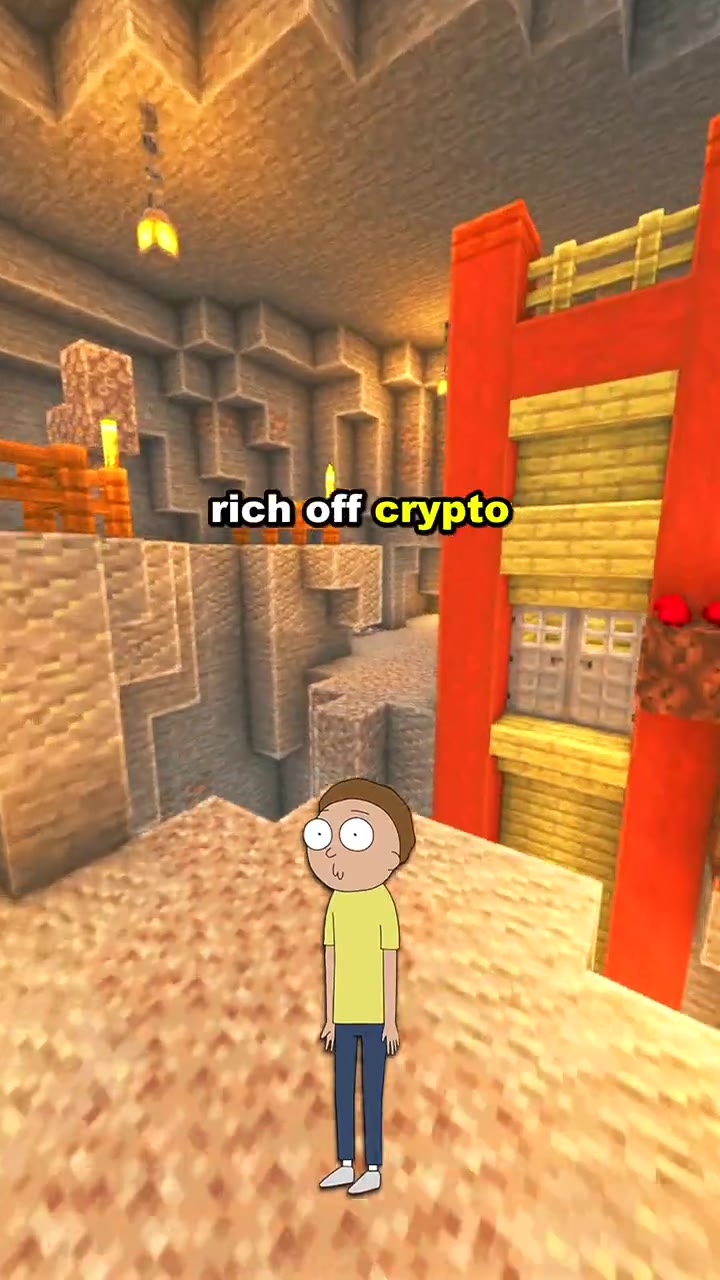
Brainrot MOV for fast YouTube Shorts clips
Talking characters, punchy captions, voices, music, and looping gameplay in a short vertical format.
Open this workflowTurn an editable script into a 9:16 YouTube Short with AI voices, character images, captions, background footage, and music. Type the topic, then build the project in the workbench; free credits come with the account.
Tool hub
Everything runs in the browser and exports vertical video. Nothing to install, no timeline to edit.
Paste a script and Faceless Reels turns it into a brainrot video — characters, voices, captions, background footage, and music, exported 9:16 for YouTube Shorts, TikTok, and Reels.
Open toolPaste a GitHub repository URL and generate a vertical explainer short: script, screenshots, optional AI voiceover and background music in one pass, in 17 languages.
Open toolStart a faceless YouTube automation channel without filming. Pick a niche, get an AI script, voiceover, illustrated scenes, and captions in one pass. Free credits.
Open toolMake an AI explainer video from a topic or script. This free explainer video maker writes the narration, voices it, draws every scene, and adds captions and music.
Open toolFaceless Reels turns any script into a stickman animation video — a free online stickman animation maker with narration, voiceover, scenes, captions, and music.
Open toolRun MoneyPrinterTurbo online — no install, no Docker, no GPU, no API keys. Turn any topic into a faceless HD short: AI script, footage, voiceover, subtitles, music.
Open toolRun Hypit online: paste a viral TikTok, Reel or Short and an AI agent clones the whole workflow — footage, captions, B-roll, effects — then swaps the host, product or hook. No Claude Code, no API keys.
Open toolGenerate a short video script in seconds — hook, narration, and scene-by-scene lines you can edit before recording. Pick a niche, set the length, get a script sized to it.
Open toolFree Facebook video downloader: paste any public Facebook video or Reel link and save it as an HD MP4, with no watermark, no login, and no app install. Plus where downloads go and what you can legally save.
Open toolBuilt for the whole workflow
An AI YouTube Shorts generator helps you move from written lines to a complete vertical video without filming every shot or assembling a voice tool, caption tool, stock library, and editor by hand. Faceless Reels’ current workflow starts with a script, then connects character images, AI voices, background footage, captions, music, and the final 9:16 render.
This is deliberately more structured than an open-ended prompt box. YouTube Shorts depend on the hook, spoken rhythm, caption timing, and a clear visual format. Keeping those choices visible gives you a repeatable production process and lets you correct the script before paying for another render.
Key features
The useful part is not generating one isolated asset. It is keeping the script, sound, visuals, captions, and output together in a workflow that a beginner can understand and repeat.
Bring a finished script or draft one in the AI Script Writer, then add voices, character delivery, captions, background footage, and music in one workflow. The AI YouTube Shorts generator keeps every choice together.
Assign a voice, tone, speed, image, and motion to each speaking role. Build dialogue, reactions, explainers, and recurring faceless characters, then preview the sound mix before generation.
Choose Classic, Impact, Minimal, or Neon captions in a readable centered layout. Captions are included in the final video so sound-off viewers can still follow the story.
Use a reference background or upload a clip, character images, and optional music. Beginners get working defaults while brands can bring their own permitted media.
Create vertical videos for YouTube Shorts, TikTok, and Instagram Reels. Download the result or publish through a connected social account.
Follow each job from queued to complete while preparing the next project. The visible render queue makes the AI YouTube Shorts generator practical for a consistent schedule.
Four-step workflow
Use the workbench above as the source of truth. Each step exposes the choices that will change the render, so you can review the project before generation starts.
Start with a strong first line, one idea, and short spoken beats. Paste or import a script, or use the AI Script Writer when you only have a topic.
Assign each line to a speaker, set voice tone and speed, choose the language, and upload custom character images when needed.
Pick a background, add optional music, preview the sound mix, and select a caption style that is easy to follow on a phone.
Review the project, start the render, and follow its progress. Check the completed 9:16 video before downloading or publishing it.
Formats and use cases
Choose one recognisable format, write for a defined audience, and keep testing the hook. The AI YouTube Shorts generator speeds up production; it does not replace the creative decision about what viewers should learn, feel, or do next.
Explain history, science, finance, language, or practical tips with AI narration, readable captions, and background motion—without recording yourself.
Build debates, reactions, or comedy scenes with multiple roles. Give each role its own image, voice, tone, speed, and animation.
Break a compact story into spoken beats with looping footage and captions. Use Faceless Reels’ storytelling workflow when the narrative needs more scenes.
Present revision notes, internet culture, definitions, or mini lessons in a high-attention Brainrot MOV format.
Write a problem-first hook and add permitted product or screen-recording footage. The tool uses your prepared media; it does not invent a demo from a URL.
Keep the same characters, captions, and background style while changing the topic and hook to build a recognisable series.
Real template previews
Faceless Reels separates different video jobs into focused workflows. Start with the fast Brainrot MOV workbench above, or open a dedicated template when your story or source material needs a different structure.
Talking characters, punchy captions, voices, music, and looping gameplay in a short vertical format.
Open this workflow
A dedicated workflow for longer stories that need scenes, narration, and a more deliberate visual sequence.
Open this workflow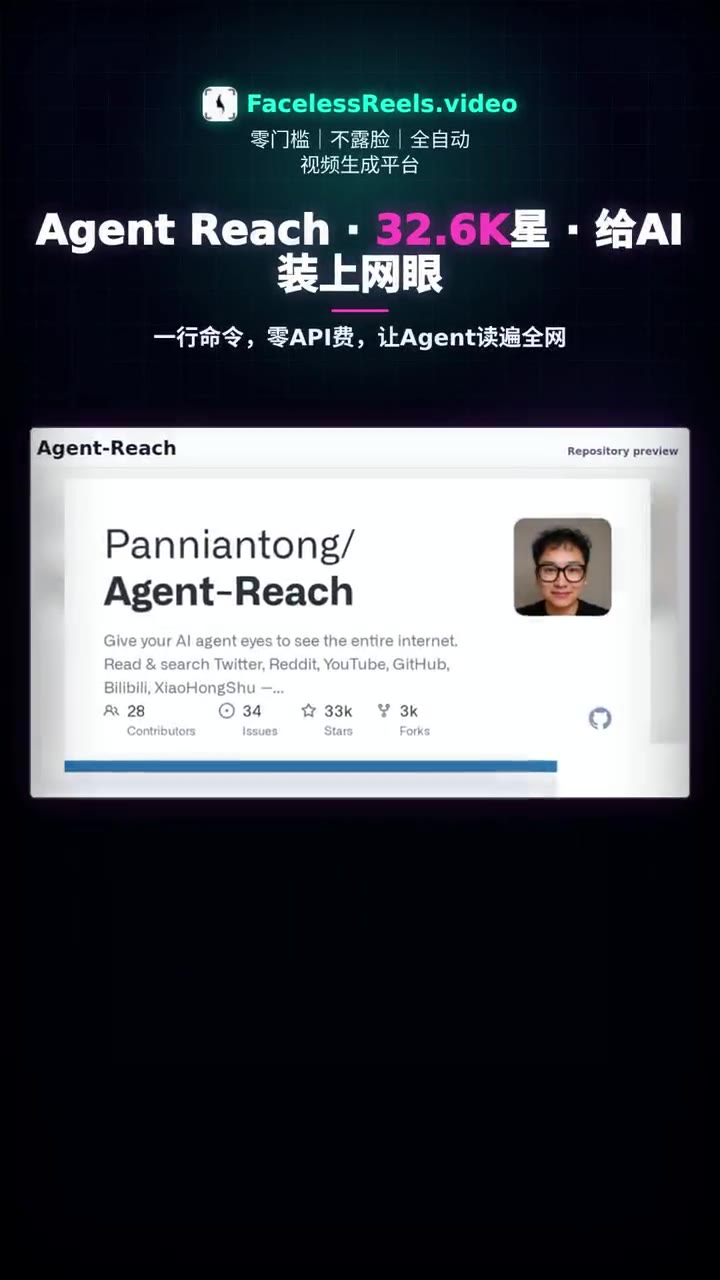
Turn a GitHub project into a concise vertical product explanation for technical audiences.
Open this workflowChoose the right workflow
These categories solve different problems. Faceless Reels is for a repeatable faceless production workflow. A prompt-only model is useful for visual experiments. A long-video clipper is the right category when you want to paste a YouTube link or repurpose an existing podcast; that is intentionally separate from this script-to-video page.
| Feature | Faceless Reels | Prompt-only generator | Long-video clipper |
|---|---|---|---|
| Best starting point | Script or guided AI script | Short prompt | Long video or YouTube link |
| Voice and character roles | Multiple voices and characters | Often one generated voice | Usually keeps the source audio |
| Captions | Rendered short-form captions | Varies by tool | Auto-captions from source speech |
| Media control | Upload characters, video, and music | Mostly generated assets | Selects moments from source footage |
| Best fit | Repeatable faceless YouTube Shorts formats | Fast visual experiments | Repurposing podcasts and long videos |
| YouTube link import | Not part of this script-to-video tool | Usually not supported | Common in dedicated clippers |
Free test and pricing
New accounts receive 100 one-time starter credits, which lets you test the current workflow before committing to a larger production schedule. Further generations consume credits. Paid plans add larger monthly allowances, and eligible plans can remove the Faceless Reels watermark.
Credit use is shown inside the product and current plan details stay on the pricing page. That is more useful than calling every render “free” while hiding a tiny allowance behind the button.
See current pricingPublish responsibly
An AI YouTube Shorts generator can reduce production time, but it cannot make copied footage original or make a misleading claim safe. Use scripts and media you are allowed to publish, disclose realistic AI-generated people or scenes when required, and use the platform’s commercial disclosure tools for applicable product content.
Monetization programs also apply their own rules for account eligibility, video duration, originality, and quality. Treat AI as part of the production process—not as a promise of reach, revenue, or automatic approval.
Common questions
Straight answers about inputs, output format, free credits, editing control, watermarks, rights, disclosure, and monetization.
Start with a short script, choose the voices and visual format, then generate a vertical video you can review before publishing. No camera setup and no blank editing timeline.