Faceless ReelsFaceless Reels
  • Features
  • Tools
  • Pricing
  • Blog
Sign up
Faceless ReelsFaceless Reels

Create faceless videos from ideas with guided AI workflows.

Product
  • Features
  • Pricing
  • FAQ
Tools
  • All tools
  • Brainrot MOV
  • AI video script generator
  • AI Explainer Video
  • YouTube Automation
  • Stickman Animation
  • Open-source Shorts
  • MoneyPrinterTurbo Online
  • Facebook Reels Downloader
Use cases & guides
  • Faceless Video Generator
  • Brainrot Italiano Character Encyclopedia
  • ToonBee Alternative
  • AI TikTok Video Generator
  • AI YouTube Shorts Generator
  • Reddit Story Video Generator
Resources
  • Blog
Company
  • About
  • Contact
Legal
  • Cookie Policy
  • Privacy Policy
  • Terms of Service
Acid ToolsGood AI ToolsFaceless Reels - AI Video Generator | AidirsFeatured on neeed.directoryFeatured on Findly.toolsFeatured on aihuntlist.comFeatured on AIJustBetter.comListed on ToolRainListed on Uno DirectoryFeatured on First LookFeatured on NextBigProductShinyLaunchMossAI ToolsAI Nav SiteVerified on DANG!Featured on TAAFTFazier badge
© 2026 Faceless Reels. All Rights Reserved.
Fine-tuned for faceless video

Faceless Reels Features: Fine-Tuned AI Video Workflows & Templates

Six end-to-end video workflows and two focused creator tools in one browser workspace. Generate in 17 languages, review the creative decisions, and export a finished vertical video without assembling a production stack yourself.

Start creatingExplore all tools
video workflows
6
public tools
8
output languages
17
interface languages
13

Workflow library

Six workflows tuned for six different outputs

A workflow is more than a visual theme. Each one changes the inputs, planning structure, editable controls, media choices, and final composition around the kind of video you want to make.
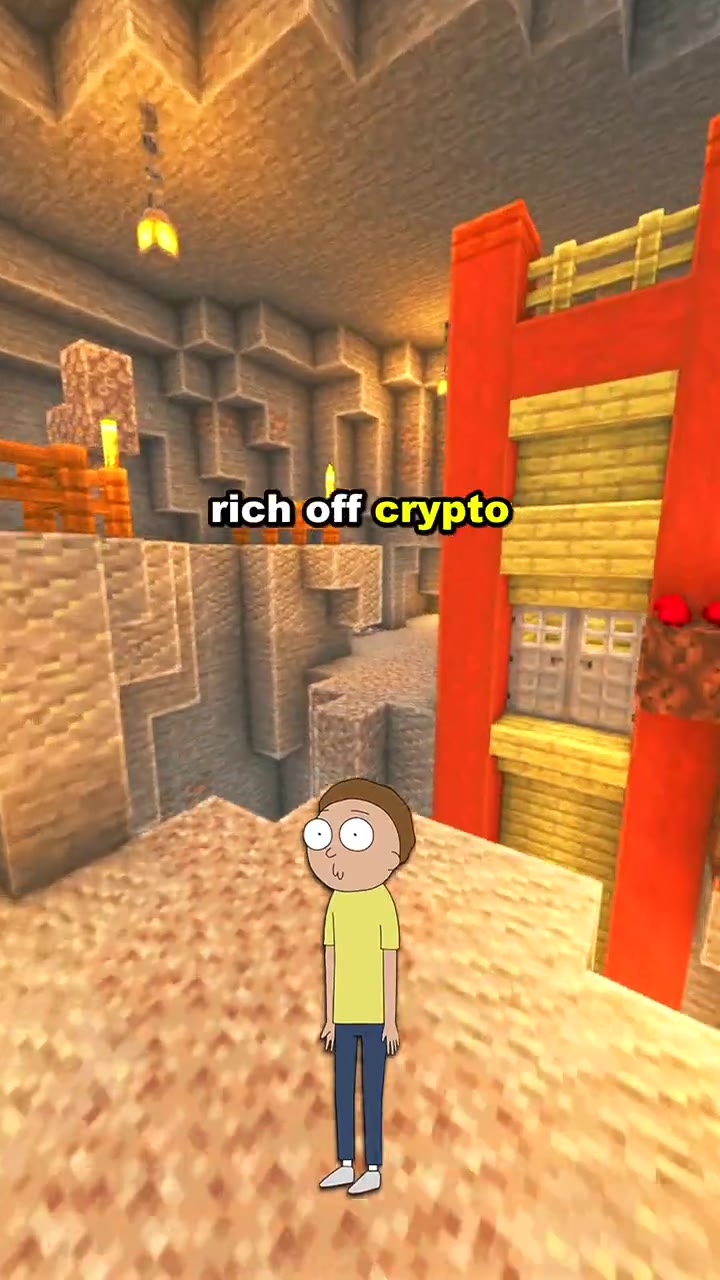
  • Brainrot MOV output preview

    Fast-cut character videos

    Brainrot MOV

    A character-led workflow tuned for short scripts, looping gameplay, expressive voices, burned-in captions, and fast vertical pacing.

    Input
    Your script, character, voice, background, and music choices
    Output
    A captioned character short with a vertical background mix
    • Character and narrator voices
    • Preset or uploaded backgrounds
    • Animated caption styles
    Open Brainrot MOV
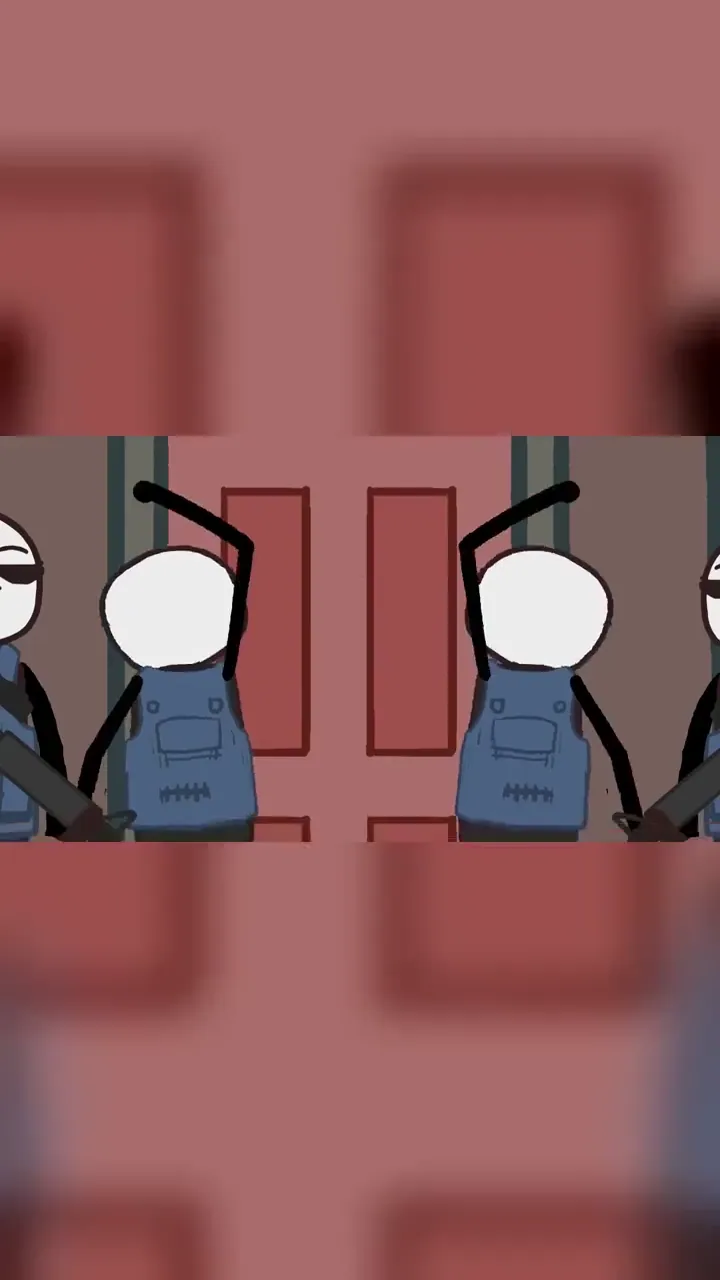
  • YouTube Automation output preview

    Narrated channel workflow

    YouTube Automation

    A story-first production flow that turns a topic, source material, or narration into structured scenes with illustrations, voice, captions, and music.
    Input
    A topic, research source, or narration draft
    Output
    A scene-based narrated video ready for a faceless channel
    • Research or custom narration modes
    • Editable scenes before rendering
    • Multilingual voice and music choices
    Open YouTube Automation
  • AI Explainer Video output preview

    Hand-drawn explanations

    AI Explainer Video

    A whiteboard-style workflow tuned to explain an idea visually instead of placing a generic talking avatar over the narration.

    Input
    A topic, report, or narration you want to explain
    Output
    A hand-drawn explainer with synchronized narration and captions
    • Topic research or supplied narration
    • Narration-led illustrated scenes
    • Voice, music, and subtitle controls
    Open AI Explainer Video
  • Stickman Animation output preview

    Stick-figure storytelling

    Stickman Animation

    A purpose-built animation template that keeps characters visually simple while the script, poses, narration, captions, and pacing carry the story.

    Input
    A topic or script plus voice and style choices
    Output
    A narrated stick-figure animation with editable scenes
    • Scene-by-scene animation planning
    • Editable narration and visual direction
    • Workflow-specific scene pacing
    Open Stickman Animation
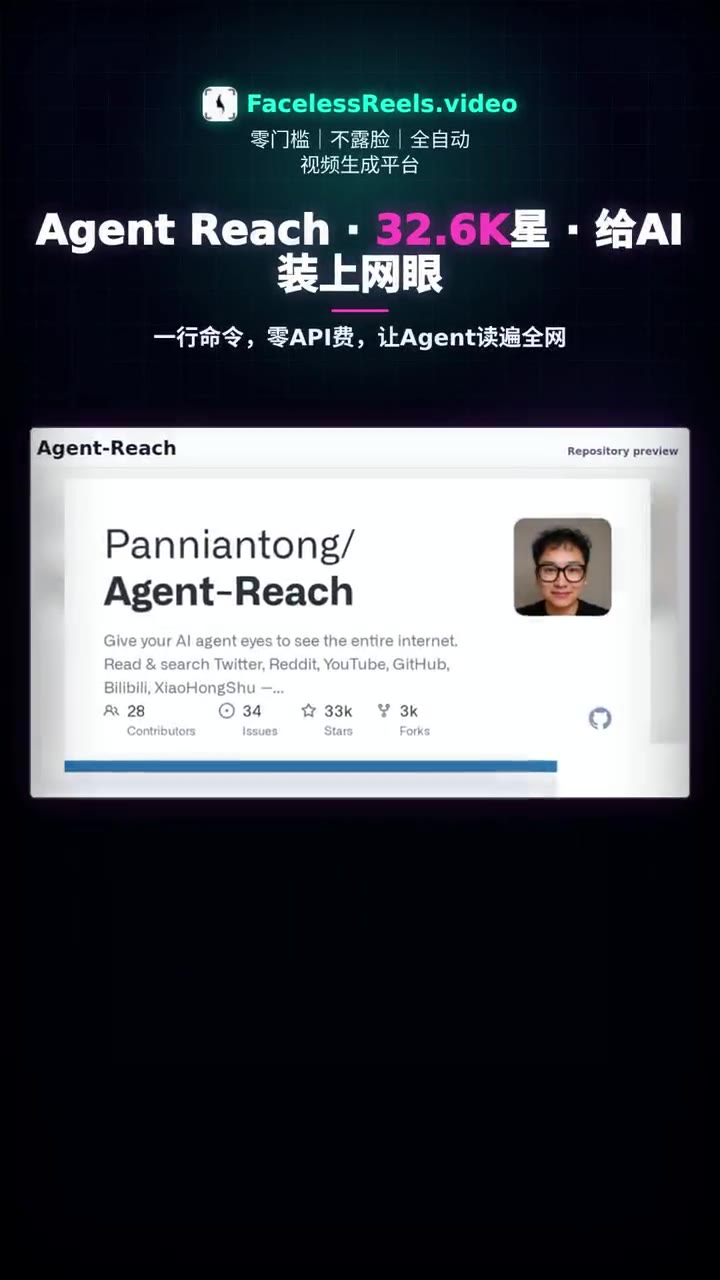
  • MoneyPrinterTurbo Online output preview

    Topic-to-short automation

    MoneyPrinterTurbo Online

    A browser-based workflow inspired by the open-source format, tuned to turn one topic into a complete short without local installation or configuration.
    Input
    One topic plus language and presentation settings
    Output
    A narrated short assembled from generated scenes and captions
    • No local deployment required
    • Topic, voice, and music settings
    • Queued cloud rendering
    Open MoneyPrinterTurbo Online
  • Open Source Short output preview

    Repository-to-video workflow

    Open Source Short

    A GitHub-specific workflow that reads a public repository, identifies what matters, captures project evidence, and turns it into a concise narrated short.

    Input
    A public GitHub repository URL or a trending project
    Output
    A vertical project explainer with screenshots, narration, and music
    • Built-in GitHub Trending discovery
    • Repository and README evidence
    • Generated title and publishing copy
    Open Open Source Short

One connected process

From one input to a finished short

The fine-tuning lives in the decisions each workflow makes and exposes—not in a generic prompt box that sends every idea through the same template.

  1. 01

    Choose a tuned workflow

    Start with the format you actually want to publish instead of an empty timeline.

  2. 02

    Generate a structured plan

    The workflow turns your topic or source into the script, scenes, and visual direction it needs.

  3. 03

    Review the creative controls

    Edit the available script, voice, visuals, captions, background, and music before rendering.

  4. 04

    Render and export

    The shared queue builds the selected workflow into an export-ready MP4 and keeps job status visible.

Video language

Generate and narrate in 17 languages

Video language is independent from the page language. Choose the language the audience should hear and read inside the finished video.

  • English
  • 简体中文
  • 繁體中文
  • 日本語
  • 한국어
  • Español
  • Français
  • Deutsch
  • Português
  • Italiano
  • العربية
  • हिन्दी
  • Bahasa Indonesia
  • Tiếng Việt
  • ไทย
  • Türkçe
  • Русский

Website interface

Navigate Faceless Reels in 13 languages

The product interface and public landing pages have their own locale system, including right-to-left support for Arabic.

  • 🇺🇸 English
  • 🇨🇳 中文
  • 🇹🇼 繁體中文
  • 🇪🇸 Español
  • 🇰🇷 한국어
  • 🇯🇵 日本語
  • 🇧🇷 Português (Brasil)
  • 🇮🇩 Bahasa Indonesia
  • 🇻🇳 Tiếng Việt
  • 🇸🇦 العربية
  • 🇩🇪 Deutsch
  • 🇫🇷 Français
  • 🇮🇹 Italiano

Production technology

A media stack chosen around the workflow

Provider names matter only when they improve the result. Faceless Reels connects voice, planning, composition, captions, music, and rendering behind workflow-specific controls.

  • ElevenLabs voices

    The main multilingual and character voice library used across the current narration workflows.

  • Cartesia narrators

    Additional narrator choices and the current Thai-language voice coverage where the ElevenLabs shared library has no matching voice.

  • HyperFrames project tooling

    Used by the standalone repository-to-short project generator for linting, inspection, preview, and project rendering. Production web jobs continue through the site render queue.

  • Synchronized media rendering

    Narration timing, scene composition, captions, music, and vertical export are assembled as one job instead of separate manual passes.

Current preset library

Creative choices without rebuilding a timeline

The Brainrot MOV workspace exposes the clearest countable preset library today. The values below come directly from the active product catalog rather than a marketing spreadsheet.

67
background videos
13
music tracks
8
character presets
9
caption styles

Brainrot MOV also includes 3 general narrator choices, character-linked voices, user uploads, and a no-captions option.

Focused utilities

Two tools support the workflows around the render

Not every useful creator tool should pretend to be a complete video generator. These utilities solve a specific job and connect back into the production flow.

  • AI Script Writer

    Build a hook, dialogue, narration, or scene-by-scene script before spending credits on a render.

    Open tool
  • Facebook Reels Downloader

    Save a public Facebook Reel you are allowed to download, then use it as reference or source material in your wider workflow.

    Open tool

Feature questions

What the current product does—and what “fine-tuned” means

Specific answers about workflows, languages, providers, editing controls, and output.

What does “fine-tuned” mean on this page?+

Fine-tuned describes how each Faceless Reels workflow is shaped around a specific output: its inputs, planning instructions, scene structure, voice choices, caption rules, music, and render settings. It does not mean every underlying foundation model has been retrained by Faceless Reels.

How many video workflows does Faceless Reels include?+

Faceless Reels currently includes six end-to-end video creation workflows: Brainrot MOV, YouTube Automation, AI Explainer Video, Stickman Animation, MoneyPrinterTurbo Online, and Open Source Short. An AI Script Writer and Facebook Reels Downloader bring the public tool total to eight.

How many languages can I generate videos in?+

The video workspaces currently offer 17 output and narration languages. The website interface itself is available in 13 languages. The two counts are different because a creator can generate in languages that are not yet separate website locales.

Which voice technologies does Faceless Reels use?+

The current voice pipeline uses ElevenLabs for the main multilingual and character voice library, with Cartesia narrator options and Thai-language coverage. Available voices vary by workflow and language.

Can I change the result before rendering?+

Yes. The available controls depend on the workflow, but can include the script, language, voice, characters, visual direction, background footage, caption style, music, and mix level. The final review step shows the selected settings before the job enters the render queue.

What format does Faceless Reels export?+

The video workflows export vertical MP4 files designed for YouTube Shorts, TikTok, Instagram Reels, and similar short-video feeds. Generated narration workflows can burn synchronized captions directly into the video.

Jerome MortonNana BandohThird Eye Vision PicturesLoyal earlAgnes ChenJosh Wright (Bikr)Tom Atemba

Create Your First Faceless Reel with Faceless Reels

Choose a template and topic, then let Faceless Reels build the hook, script, voice, visuals, captions, music, and edit for your next faceless Reel.

Create a faceless ReelView pricing