
Most Popular
AI Explainer Video
Create hand-drawn explainer videos with short narration, scene visuals, voiceover, background music, and downloadable subtitles.
Simple lessons, curious facts, visual explainers
YouTube Shorts, TikTok, Instagram Reels
Turn a topic, draft script, or supported source into a faceless video. Choose a working editor to generate or organize the script, voiceover, captions, visuals, and music, then review the controls available in that workflow before rendering for YouTube Shorts, TikTok, Instagram Reels, or Facebook Reels.
Creating for YouTube Shorts? Open the AI YouTube Shorts Generator.
Creating for TikTok? Open the AI TikTok Video Generator.
A faceless AI video generator helps you produce videos without recording yourself on camera. Faceless Reels brings several focused workflows into one hub: write or import a script, generate a script from a topic, or use a supported source such as a GitHub repository. You can then review the narration, choose visuals, adjust captions and music, control the voice mix, and render the result. Instead of promising one generic button for every video style, each Faceless Reels workflow gives you the controls and format that fit a specific kind of faceless content.
The best faceless AI video generator is the workflow that matches your content format. Open an available template to work with a real editor now, or use the AI Script Writer to shape a hook and scene plan for an upcoming format. Every card explains the intended topic, output, and publishing platform before you start.
Create hand-drawn explainer videos with short narration, scene visuals, voiceover, background music, and downloadable subtitles.
Simple lessons, curious facts, visual explainers
YouTube Shorts, TikTok, Instagram Reels

Turn a script into stickman animation videos with stick figure scenes, narration, voiceover, captions, and music. No timeline, no keyframes.
Explainers, finance, history, psychology
YouTube Shorts, TikTok, Instagram Reels
Create fast, high-retention faceless videos with meme-style pacing, characters, captions, background clips, voiceover, and music.
Viral entertainment, memes, fast hooks
YouTube Shorts, TikTok, Instagram Reels

Run a faceless YouTube automation channel with narrative videos for scary stories, history, mythology, facts, life stories, and explainers.
Stories, history, mythology, facts
YouTube Shorts, TikTok, Facebook Reels
Turn one idea into a cartoon story video in six steps: story, script review, consistent characters, scene images, voice and music, then optional scene animation.
Cartoon stories, fables, recurring characters
YouTube Shorts, TikTok, Instagram Reels
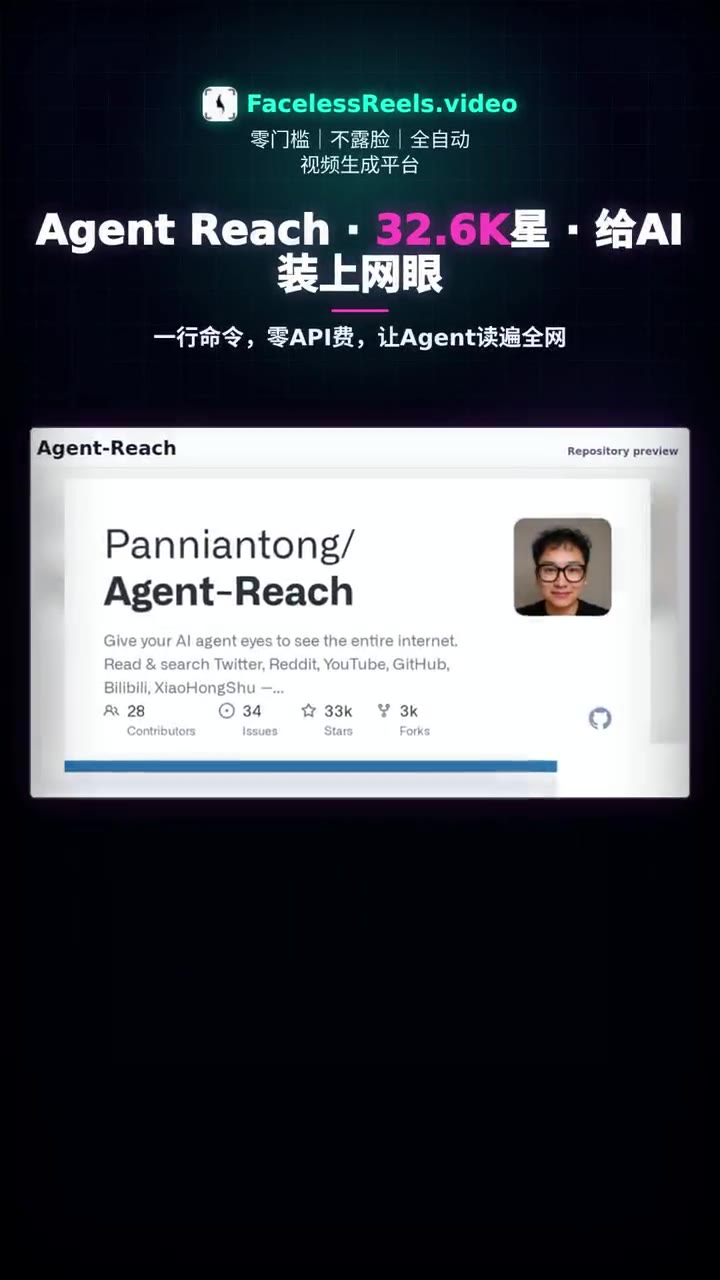
Turn a GitHub repository into a vertical explainer video for developers, makers, launches, and open-source growth.
GitHub projects, dev tools, product launches
YouTube Shorts, TikTok, LinkedIn
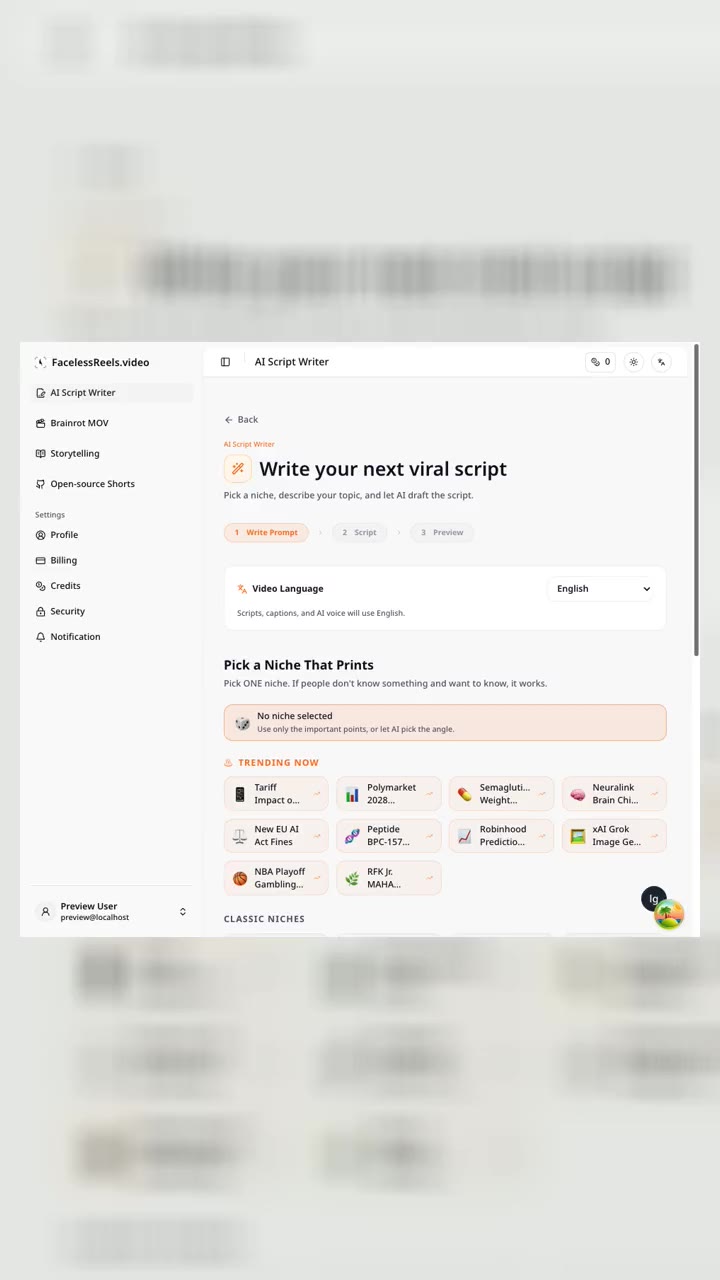
Draft hooks, narration, dialogue, and scene-by-scene scripts before turning the idea into a faceless video.
Planning hooks, scenes, narration
All short-form platforms

Open MoneyPrinterTurbo Online to turn a topic into a faceless short video with AI script, stock footage, voiceover, captions, and music.
Batch short-video production
YouTube Shorts, TikTok, Instagram Reels
Paste a viral TikTok, Reel or Short and let the AI agent clone the whole workflow — footage, captions, B-roll and effects — with your own host, product or hook.
Cloning proven viral formats
TikTok, Instagram Reels, YouTube Shorts
Free Facebook video downloader: paste any public Facebook video or Reel link and save it as an HD MP4, with no watermark, no login, and no app install. Plus where downloads go and what you can legally save.
Facebook Reels
Plan short faceless psychology videos about behavior, mindset, relationships, emotional triggers, and daily decisions.
Behavior, mindset, relationships
YouTube Shorts, TikTok, Instagram Reels
Generate motivational quote videos, life lessons, discipline clips, and short inspirational scripts with voiceover and captions.
Quotes, discipline, motivation
YouTube Shorts, TikTok, Facebook Reels
Create faceless videos from trending Reddit-style stories, hot discussions, opinions, social drama, and debate formats.
Hot discussions, stories, social drama
YouTube Shorts, TikTok, Instagram Reels
Compare each faceless AI video generator by its best use case, generated assets, supported platform, and current availability. This makes it easier to choose a focused workflow instead of forcing every topic into the same generic video template.
| Template | Best for | Output | Platforms | Status |
|---|---|---|---|---|
AI Explainer Video | Simple lessons, curious facts, visual explainers | Explainer video and subtitle file | YouTube Shorts, TikTok, Instagram Reels | Available now |
Stickman Animation | Explainers, finance, history, psychology | Narration, stick figure scenes, captions, voiceover | YouTube Shorts, TikTok, Instagram Reels | Available now |
Brainrot MOV | Viral entertainment, memes, fast hooks | Script, captions, visuals, voiceover, music | YouTube Shorts, TikTok, Instagram Reels | Available now |
YouTube Automation | Stories, history, mythology, facts | Story script, scenes, captions, narration | YouTube Shorts, TikTok, Facebook Reels | Available now |
ToonBee AI Alternative | Cartoon stories, fables, recurring characters | Captioned vertical cartoon video | YouTube Shorts, TikTok, Instagram Reels | Available now |
Open-source Shorts | GitHub projects, dev tools, product launches | Repo summary, short script, explainer video | YouTube Shorts, TikTok, LinkedIn | Available now |
AI Script Writer | Planning hooks, scenes, narration | Short-video script and scene plan | All short-form platforms | Available now |
Psychology Videos | Behavior, mindset, relationships | Psychology hook and video script | YouTube Shorts, TikTok, Instagram Reels | Coming soon |
Motto Videos | Quotes, discipline, motivation | Motto script, narration, captions | YouTube Shorts, TikTok, Facebook Reels | Coming soon |
Reddit Hot Topics Videos | Hot discussions, stories, social drama | Reddit-style script and narration | YouTube Shorts, TikTok, Instagram Reels | Coming soon |
MoneyPrinterTurbo Online | Batch short-video production | Hosted topic-to-video workflow | YouTube Shorts, TikTok, Instagram Reels | Available now |
Hypit Online | Cloning proven viral formats | Editable clone of a reference video | TikTok, Instagram Reels, YouTube Shorts | Available now |
A faceless AI video generator should save production time without taking away your control. Faceless Reels separates planning, editing, media choices, and rendering so you can review the important creative decisions before credits are used.
Choose the available faceless video template that matches your story, explainer, entertainment clip, or open-source project. If the idea still needs structure, begin with the AI Script Writer.
Enter a topic, paste or import a draft script, or provide the source supported by that workflow. Review the generated hook, narration, speakers, and scene order before moving on.
Customize the visuals, character layout, AI voiceover, caption style, background music, and volume balance offered by the selected editor. Preview the choices and revise weak scenes before rendering.
Start the render, follow its queue status, and download the finished video for YouTube Shorts or another platform. Where social publishing is configured, supported workspaces can also publish to a connected TikTok or Instagram account.
Use the faceless AI video generator hub to match a repeatable format with a clear audience. Strong faceless content still needs an original angle, a useful script, relevant visuals, and deliberate editing; automation alone does not make a video engaging.
Straight answers about free credits, watermarks, editing, rendering, privacy, YouTube monetization, and choosing the right faceless AI video generator workflow.
A faceless AI video generator helps you make a video without filming yourself or presenting on camera. Depending on the selected Faceless Reels workflow, it can help generate or organize the script, narration, scene visuals, captions, music, and final render. You still review the creative choices, so the finished video can reflect your topic and channel instead of looking like an untouched template.
New Faceless Reels accounts receive a one-time gift of free credits at sign-up. What a video costs depends on what it makes — narration length, scene pictures, music, animated clips — and the Generate button shows the exact price before anything is charged; the pricing page lists typical costs per tool. Faceless Reels does not offer recurring monthly free-plan credits. Paid plans and extra credit packs are available when you need more renders.
Yes. You can write a script in the AI Script Writer, bring the generated draft into a supported editor, or edit the script directly in workspaces such as Brainrot MOV. Other templates accept the input designed for that workflow, including a topic or a GitHub repository URL. The available input is shown before you start.
Watermark controls depend on your current plan. When an account is not eligible to remove the site mark, the editor keeps the watermark enabled. Eligible paid plans can turn it off before rendering. Check the current pricing and billing details for the plan rules instead of assuming every free or paid render is watermark-free.
Yes, supported Faceless Reels templates produce vertical formats suited to TikTok and other short-video platforms. Review the final video for originality, factual accuracy, music and media rights, and current platform labeling rules before publishing. A faceless AI video generator speeds up production, but the creator remains responsible for what is posted.
Faceless and AI-assisted videos are not automatically excluded from monetization, but no tool can guarantee approval or income. YouTube evaluates the channel and its content. Add original scripting, clear value, meaningful editing, and a recognizable point of view; avoid publishing large volumes of repetitive videos that only swap a few words or visuals.
Longer output depends on the template. Storytelling supports videos up to 15 minutes, while Doodle Explainer and Stickman Animation support up to 30 minutes and can render in vertical 9:16 or widescreen 16:9. Brainrot MOV and other short-form templates have different limits, so check the selected workspace before planning a long video.
Faceless Reels records render jobs and their credit usage. When a charged video render reaches a failed state through the supported render flow, the system returns the consumed render credits with a refund transaction. You can also follow queued, preparing, rendering, and failed states from the workspace instead of starting duplicate jobs.
Video jobs and protected downloads are scoped to the signed-in account. Faceless Reels also uses third-party AI, hosting, processing, and storage services as described in the Privacy Policy, so avoid placing unnecessary confidential information in prompts or scripts and review the policy before using sensitive client material.
Yes. The available controls depend on the template, but supported editors let you review the script and change relevant settings such as scenes, background media, characters, voices, captions, music, volume, layout, and watermark options before rendering. This review step helps prevent mismatched visuals, flat narration, and unreadable captions.
A faceless AI video generator starts from a topic, script, or supported source and helps assemble the production workflow. An AI video editor usually begins with footage you already have. Faceless Reels combines guided generation with template-specific editing controls so you can revise the script, media, sound, captions, and render settings before export.
Choose an available workflow, review a real template preview, and build your next faceless video with controls for the script, visuals, voiceover, captions, and music. If the idea is not ready for production, draft the hook and scene plan in the AI Script Writer first.