A MiniMax H3 director that runs in your browser. Write one sentence or paste a script: the AI director splits it into shots, MiniMax H3 films each shot from where the last one ended, and you get one continuous video of up to 4 minutes with sound and spoken lines. No ComfyUI, no model downloads, no GPU.
Describe the video in one sentence, or paste a full script with scenes and dialogue. The director keeps every spoken line word for word, and you review each shot before anything renders. Write in any language; the director turns it into prompts the MiniMax model follows.
MiniMax H3 Director is a way to make videos longer than one MiniMax H3 clip. You plan the video as a timeline of shots; each shot is generated in order, continuing from the end of the shot before, and the shots are joined into one video. Here the MiniMax H3 director runs online, with nothing to install.
A shot timeline: One short prompt per shot instead of one long prompt for the whole video.
Continuation: Each shot opens on the last frame of the shot before, so the scene carries on.
Native sound: MiniMax builds the ambience, effects and dialogue into the picture.
One video at the end: The overlap at each join is cut and the shots become a single file.
Three different things share the name. This page is the third one: a hosted MiniMax H3 director that turns your script into one long video in the browser. None of the three is made by MiniMax itself: the other two are local ComfyUI nodes and fal’s realtime streaming model.
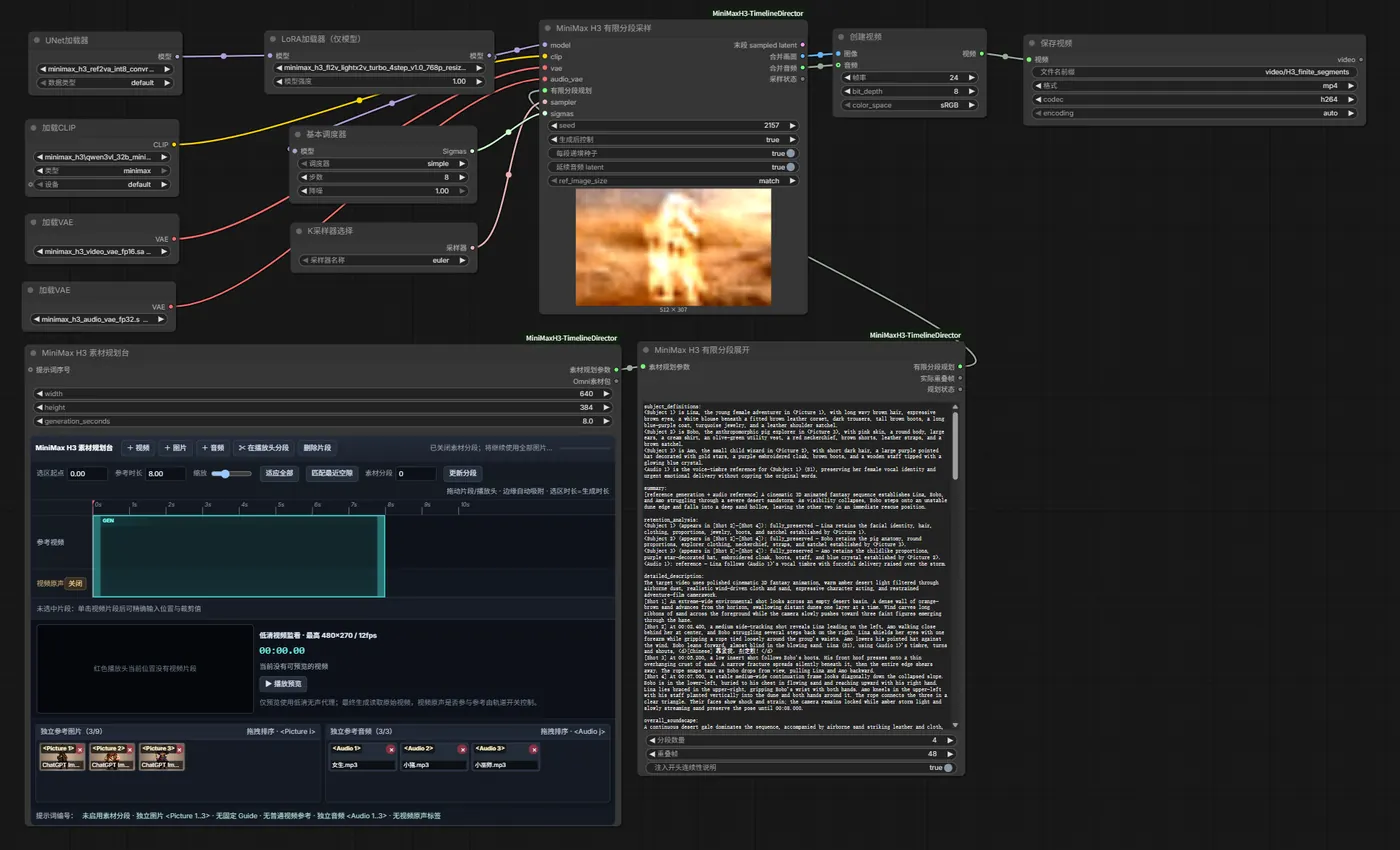
Community custom nodes (AIMixer, seesee75, Songssx, Motion Director and others) that add a shot timeline to MiniMax H3 inside ComfyUI. Powerful and free, but they run the open MiniMax weights on your own GPU.
fal’s realtime model, post-trained from MiniMax H3: one continuous stream you steer with live prompts while it plays. A different product from this one, billed per second of streaming.
A MiniMax H3 director that runs online. The AI writes the shot list, H3 Max Turbo films the shots in order, and you get one video file of up to 4 minutes to edit and export.
Timeline Director is an independent tool by Faceless Reels. It is not affiliated with MiniMax or fal; MiniMax, H3 and H3 Max belong to their owners.
Each example is one continuous MiniMax video made with the director method this page runs: shot after shot, every shot opening on the end of the one before.
Several scenes in one MiniMax H3 video, rendered as continuous segments with the open-source ComfyUI Timeline Director this tool follows.
Source: Songssx/ComfyUI-MiniMaxH3-TimelineDirectorThree H3 clips of 10, 12 and 15 seconds, each continuing the last, joined into one vertical shot for Shorts and Reels.
Source: @hotforteecha on XThese are public MiniMax H3 director videos, shown with credit to their makers. Videos you make with this MiniMax H3 Director render with H3 Max Turbo at 480P.
MiniMax caps a single H3 generation at 15 seconds. A MiniMax H3 director gets past that by chaining shots: this one plans up to 20 shots of 5 to 12 seconds, each continuing the last, so one video runs up to 4 minutes.
Pick a target length from 15 seconds to 4 minutes and the director plans the shots to fit; you can still lengthen or shorten any shot before generating. You never extend the video by hand after the first clip: every next shot continues on its own, and each one is a separate MiniMax request that stays under the 15-second cap.
Describe the video, let the AI director split it into shots, edit any shot, then generate. The MiniMax H3 director films the shots in order, joins them into one video, adds subtitles if you want them, and saves the shots as clips you can trim.
Type one sentence or paste a script with scenes and dialogue, in your own language, and pick a length from 15 seconds to 4 minutes.
The director breaks the idea into shots of 5 to 12 seconds. Rewrite any shot, add or remove shots, or start one with “Cut to:” to move to a new scene.
MiniMax films the first shot with H3 Max Turbo, then opens each next shot on the last frame of the one before. The price is on the Generate button before anything is charged.
The shots are joined into one video, subtitled if you asked, and saved as clips on a timeline where you trim each shot, set its volume and export.
The parts of a long MiniMax video that usually take a node graph, a big GPU and an evening, done in one browser tab.
Start from one line or a full script. The director writes the shot list and keeps spoken lines word for word.
Every shot opens on the last frame of the one before, so you never extend a clip by hand.
The repeat at each join is cut and the MiniMax shots are merged into a single video, with no stitching in an editor.
The MiniMax model generates ambience, effects and the lines your characters say along with the picture.
Optional captions, burned in and timed to the words H3 actually spoke.
No 20 GB MiniMax checkpoints, frame counts or sampler settings. Every shot renders in the cloud.
The Generate button shows the credits for your shot list, and a failed video is refunded in full.
Shots are saved as clips on a timeline where you trim, set volume and export.
Three ways to direct a long MiniMax H3 video, and what each one asks of you.
| What you get | ComfyUI H3 Director nodes | fal H3 Max Director | This MiniMax H3 Director |
|---|---|---|---|
| Setup | ComfyUI, custom nodes and 20–40 GB of MiniMax model files | An API key and a realtime (WebRTC) client | A browser |
| Hardware | Your own GPU; 16 GB of VRAM is a common floor | Cloud | Cloud |
| Shot planning | You write a prompt per segment | You steer with live prompts while it streams | The AI director writes the shot list from your idea |
| Joins | Latent continuation, tuned by hand | One continuous stream, no cuts | Each shot opens on the last frame; the overlap is cut |
| What you get back | Segment files you merge | A live stream you record | One video file plus editable clips |
| Length | Limited by VRAM, RAM and render time | Minutes per session | Up to 4 minutes per video |
| Resolution | Whatever your GPU can render | 480P to 1080P | 480P |
| Reference images and keyframes | Yes | Keyframes | Not yet |
| Billing | Your electricity and GPU time | Per second of stream, 60-second minimum | Credits for delivered shots; failures refunded |
This MiniMax H3 Director trades control (reference images, keyframes, 1080P) for zero setup. If you need those, the ComfyUI nodes are the better fit.
Videos that need more than one MiniMax shot to tell, and less than five minutes to watch.
Two or three characters, a few locations, spoken lines.
A story told in moving shots rather than still images.
One long, continuous visual through a song section.
A product moving through several scenes in one take.
A minute-long teaser for your own film, game or channel.
Long, connected footage to cut into a bigger edit.
New accounts get 100 free credits that expire after 30 days, enough for a short test rather than a full video. After that, the MiniMax H3 Director is paid in credits by the second of video, and the exact price for your shot list is on the Generate button before anything is charged.
A video that fails gives every credit back. Stop one halfway and the shots already saved are kept as a shorter timeline; you pay for those alone.
See credit packs and plansWhat this MiniMax H3 director is, what it needs, and what it can and cannot do.
No. MiniMax does not ship a product called H3 Director; the name is used by community ComfyUI nodes and by fal’s H3 Max Director, and neither comes from MiniMax. This is an independent MiniMax H3 director that runs H3 Max Turbo through an API, so there is nothing to install.
No. You work in the browser and every shot renders in the cloud, so any laptop or phone will do. The method follows the open-source ComfyUI Timeline Director for MiniMax H3, without the install, the MiniMax model files, the node graph or the VRAM.
Add shots. Each shot after the first opens on the final frame of the one before, so the MiniMax H3 director extends the video for you. There is no separate extend step and nothing to stitch by hand, and up to 20 shots fit in one video.
The picture continues exactly from the previous shot’s last frame, so the image does not jump. Motion and sound start fresh at each join, so fast action can change pace at a cut; starting each shot calmly hides it. If one join still looks abrupt, edit the shots around it and run the video again.
Not yet. This MiniMax H3 Director runs H3 Max Turbo, which continues from the last frame and takes no reference images. To keep a character consistent, describe them the same way in every shot; whoever is on screen at the end of a shot is there at the start of the next.
H3 Max Turbo (a faster variant of the MiniMax model, served by fal) at 480P, in 9:16 for Shorts, Reels and TikTok, 16:9 for YouTube, or 1:1 for feeds, always with sound. Subtitles are optional and burned into the video when on.
Yes. Put the lines in your idea or in a shot and MiniMax speaks them in the video, in the language you wrote them. The director never rewrites a spoken line and leaves room in each shot for it to be said at a natural pace.
Not in one go: one MiniMax H3 Director video tops out at 4 minutes. Make longer pieces in parts and join them in your editor. For narrated faceless videos up to 15 minutes, the YouTube automation tool is the better fit.
Yes. The shots are saved as separate clips on a timeline on the video’s page, where you trim the start and end of each one, set its volume and choose how clips join before you export, without paying to generate the shots again.
Yes, it is the same workbench. The long AI video generator page explains it for anyone who wants a long AI video; this page is for people who already know MiniMax H3 and its director nodes. Both open the same Timeline Director, with the same prices and limits.
The same workbench under its other name, and tools for narrated stories and scripts.
Describe it once. The AI director plans the shots, MiniMax films them in order, and you get one continuous video of up to 4 minutes, with no ComfyUI to set up.